

How to power up the stage and production desk
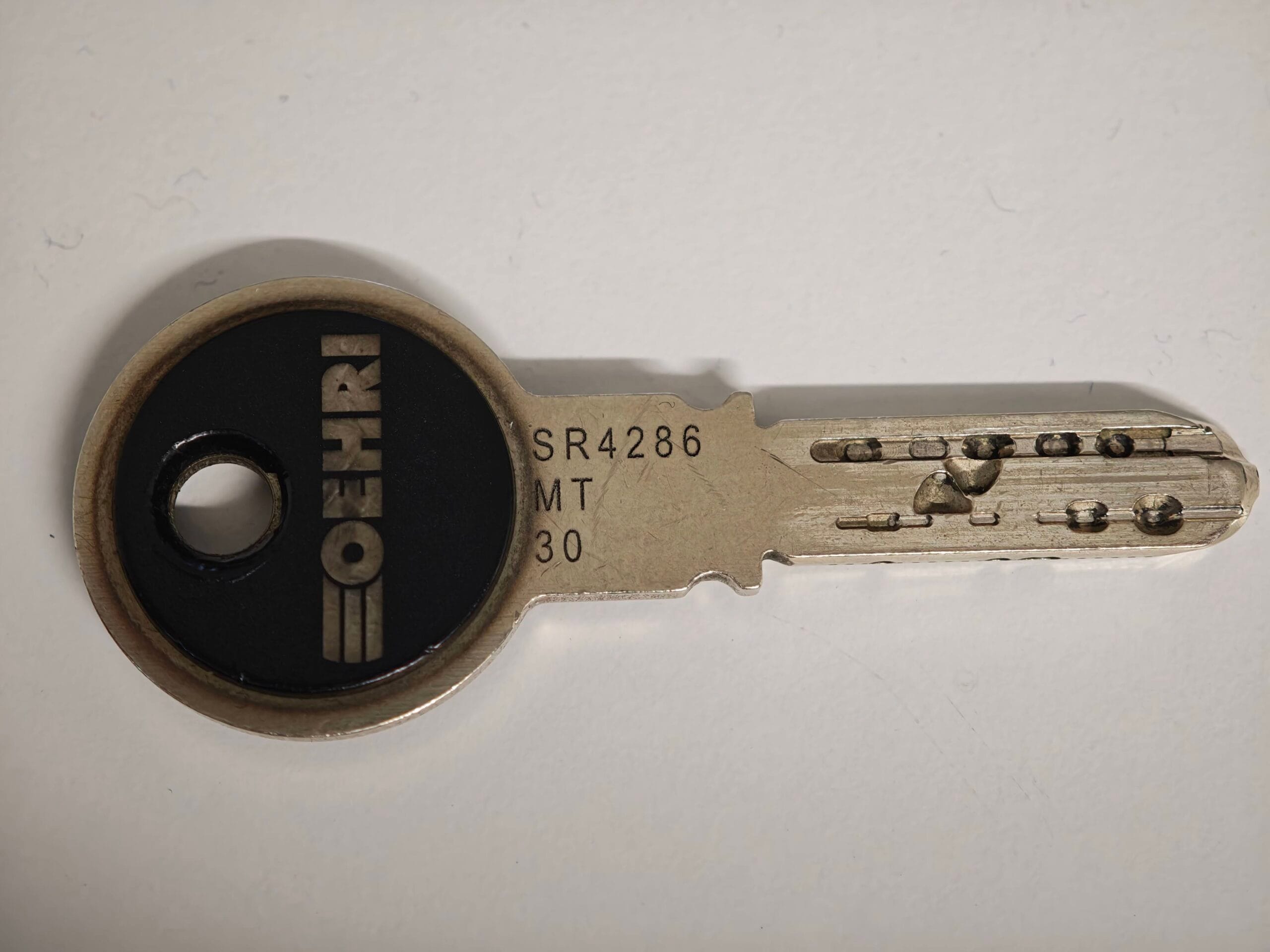
Powering up the stage outlets, foyer TV, confidence TV, and production desk requires a Master Key. This key looks like the keys that unlock the church door, but additionally unlocks the cabinets in the backstage room, the cabinets on either end of the production desk, and in the power key switch next to the soundboard. Unlike the door keys, this key is stamped with the letter MT.
Obtain the Master Key

Go to the church office and locate the IBF mail shelf.
Find the key safe and set its combination lock to 1419.
Open the key safe and retrieve the Master Key.
Close the key safe and return it to the IBF mail shelf.
Unlock production desk cabinets
Unlock the left Production Desk Cabinet to gain access to iPads and wireless microphones.
Unlock the right Production Desk Cabinet to gain access to iPhones and wireless presenter.
Switch on power
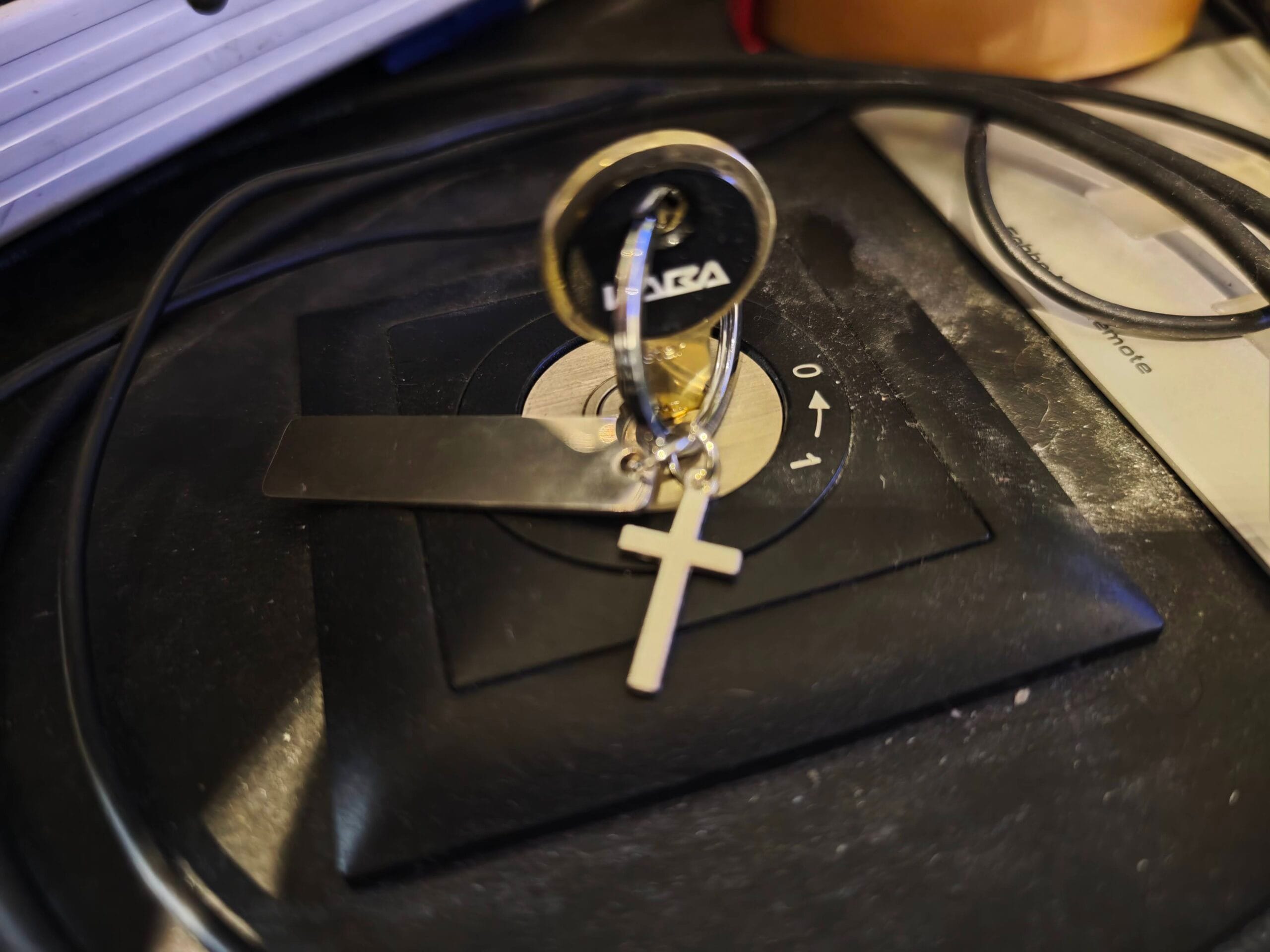
Insert the Master Key into the key switch to the left of the soundboard.
Hold the key momentarily in the 1 position and let it return to the 0 position. This will start a power-up sequence, one system at a time. After approximately one minute, the TV screens, stage outlets, and production desk will be fully operational.
Leave the Master Key nearby, e.g. on the side of the soundboard.
Result
You now have the Master Key, have unlocked the production desk cabinets, and have powered up the foyer and confidence screens, stage outlets, and the production equipment.