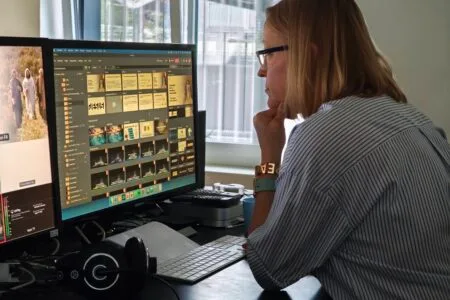

🙌 Welcome to the IBF Tech How-To Hub
Whether you’re preparing for Sunday worship, a special event, or midweek ministry, this page is your go-to guide for setting up and powering the essential tech that helps our church serve with excellence.
Here you’ll find step-by-step instructions for each part of our technical setup — from sound and visuals to livestream and lighting. These guides are designed to be clear, practical, and easy to follow, even if you’re new to the team.
🔧 What You’ll Find Here:
- Power-Up & Power-Down Sequence: Safely turn on or off all devices in the correct order
- Mixer Setup: Configure audio channels, EQ, and routing
- Recording & Livestream: Launch OBS, check camera feeds, and go live
- Multimedia: Start Proclaim and verify screen outputs
- Microphones: Power on, assign channels, and test levels
- Troubleshooting Tips: Quick fixes for common issues
Each section includes screenshots, checklists, and reminders to help you stay confident and calm under pressure.
📂 Explore the Guides:
If you ever feel stuck or unsure, don’t hesitate to reach out to a team lead—we’re here to support each other as we serve. And remember: every click, cable, and cue contributes to creating a space where people can encounter God.

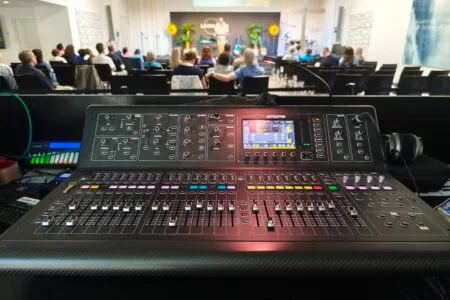
Mixing Console
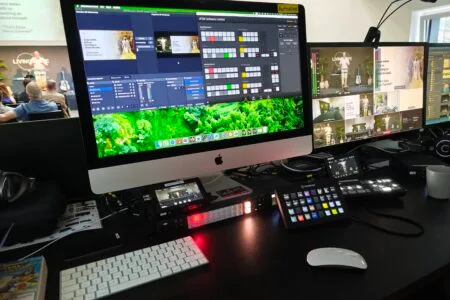
Recording & Livestream